10pcs/lot M.2 NVME SSD Convert Adapter Card for MacBook Air Pro Retina 2013-2017 NVME/AHCI SSD Upgraded Kit For A1465 A1466 Bluetooth Transmitters

R1 099,00
+ R190,49 Shipping

10pcs/lot M.2 NVME SSD Convert Adapter Card for MacBook Air Pro Retina 2013-2017 NVME/AHCI SSD Upgraded Kit For A1465 A1466 Bluetooth Transmitters

  • Brand: Unbranded

10pcs/lot M.2 NVME SSD Convert Adapter Card for MacBook Air Pro Retina 2013-2017 NVME/AHCI SSD Upgraded Kit For A1465 A1466 Bluetooth Transmitters

  • Brand: Unbranded
Price: R1 099,00
Sold by:
R1 099,00
+ R190,49 Shipping

14-Day Returns Policy

Currently unavailable

We don't know when or if this item will be back in stock.

Payment methods:

Description

10pcs/lot M.2 NVME SSD Convert Adapter Card for MacBook Air Pro Retina 2013-2017 NVME/AHCI SSD Upgraded Kit For A1465 A1466 Bluetooth Transmitters

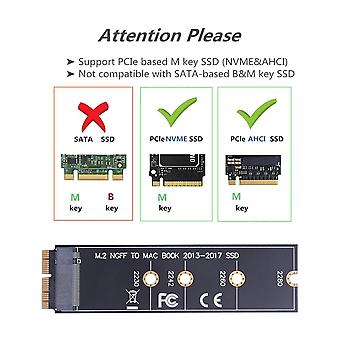
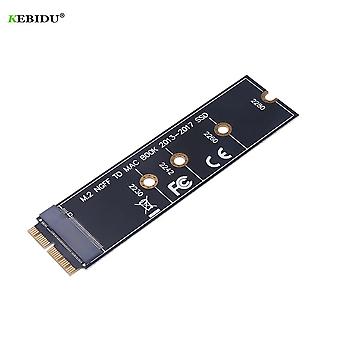
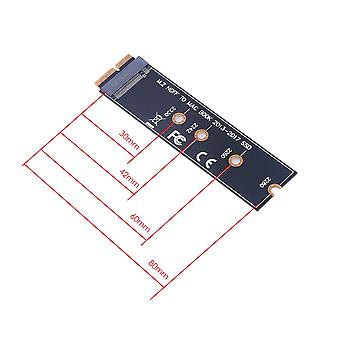
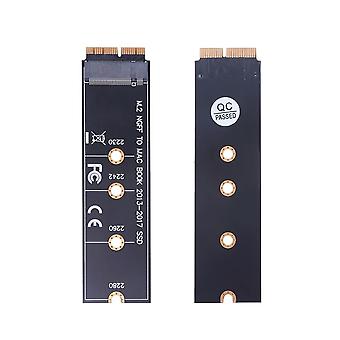
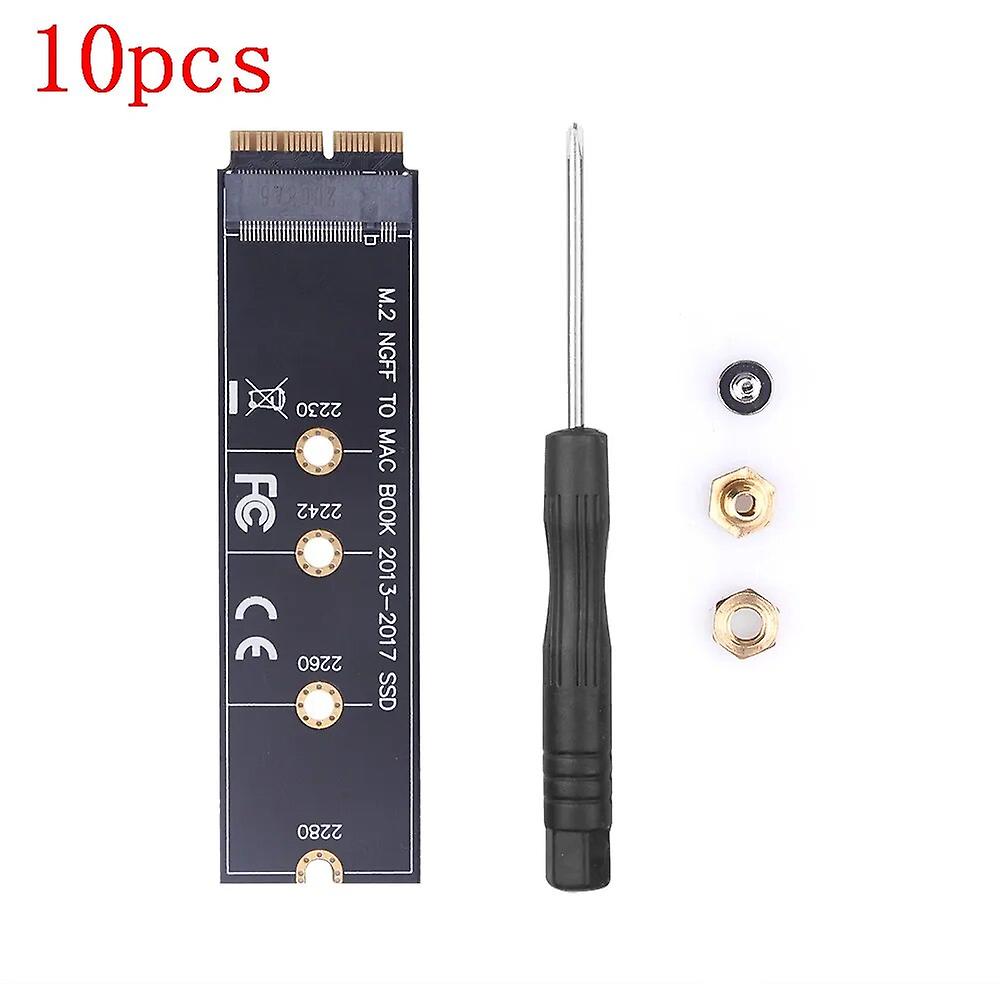
Package:NoModel Number:M.2 NVME SSD Convert Adapter Card Type:Cable Adapter Origin:Mainland China Certification:CE,none Features: This M.2 PCIe nVME SSD convert adapter allows to upgrade SSD for MacBook 2013-2015 with large capacity NVME SSD. It is compatible with for MacBook Air 11'' A1465 & for MacBook Air 13'' A1466 (Mid 2013-2017), for MacBook Pro (Retina) 13'' A1502 & 15'' A1398 (Late 2013 - Mid 2015), for Mac Pro ME253 MD878. Requires for macOS 10.13 High Sierra or Later; DO NOT compatible with earlier than for macOS 10.13 versions. Please use your original SSD to upgrades your for macOS before installation. Support M.2 NVME/AHCI SSD such as for Samsung 960 EVO, for Samsung 970 EVO/PRO (Not support for 960 EVO Plus), for WD Black, for Crucial P1, for HP EX920, for ADATA SX8200, for Intel 600p series NVME SSD and so on. It can't support recovering from internet, important to prepare bootable USB disk driver(M.2 PCIe has no OS systerm inside,it must be erased first). How to use: 1. Make sure to install the High Sierra on your old drive, so that a newer firmware is installed that can handle NVME. 2. For your old driver, please do a full backup via Time Machine. 3. Create a High Sierra Installer on a bootable USB stick. 4. Open the for macbook and disconnect the battery while switching out the drive and make sure both adapter and new SSD sit snug. 5. Reconnect the battery before closing the shell. 6. Insert the Installer USB stick from step 2, and press the option key while the machine starts. 7. Finally, once it's up you can now go to the disk utils to format and install the for MAC OS. Notice: 1. You are kindly reminded that for macOS failed on resume from hibernating with some NVME SSDs of some brands. Have to turn off laptop all the time instead of close the lid and go. 2. Please insert our adapter fully into SSD slot and you must prepare bootable USB disk(see third point) with High Sierra to format M.2 SSD first, it can't support recover from internet. 3. There are many customers can use it, so we suggest you to try it again if your for MAC can't detect nVME SSD. Package included: 1 x Adapter Card 1 x Screw Set & Driver
  • Fruugo ID: 278816820-620113276
  • EAN: 827827502322

Delivery & Returns

Dispatched within -1 days

  • STANDARD: R190,49 - Delivery between Tue 13 January 2026–Thu 22 January 2026

Shipping from China.

We do our best to ensure that the products that you order are delivered to you in full and according to your specifications. However, should you receive an incomplete order, or items different from the ones you ordered, or there is some other reason why you are not satisfied with the order, you may return the order, or any products included in the order, and receive a full refund for the items. View full return policy