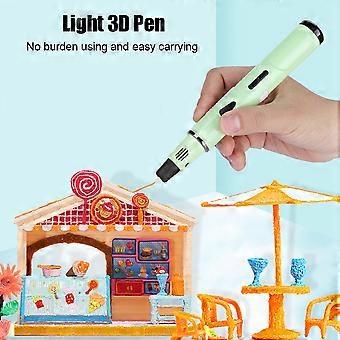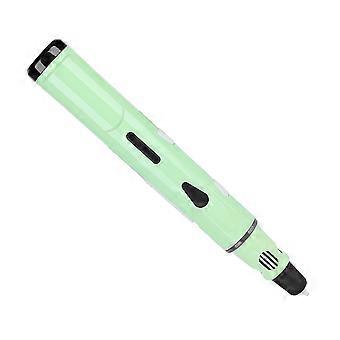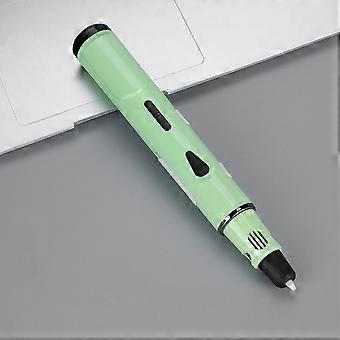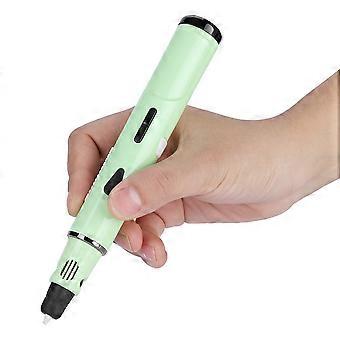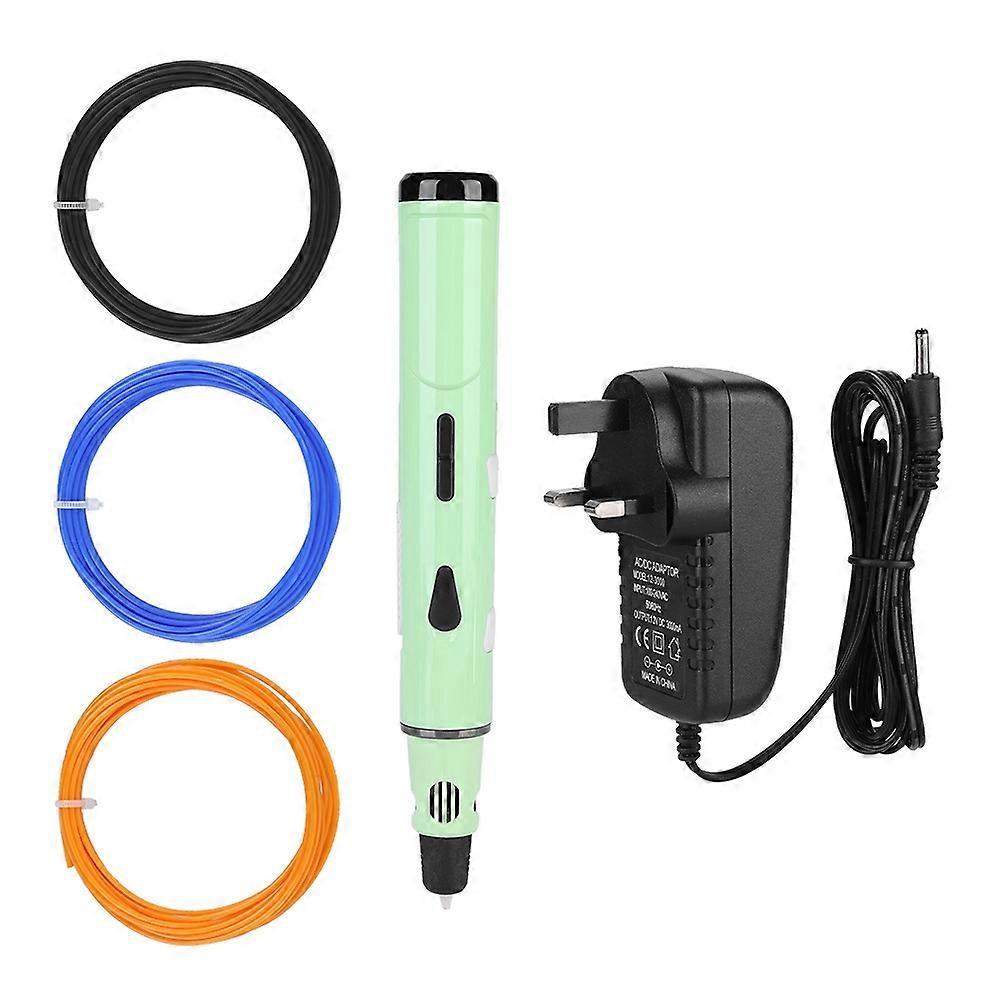
3D Printing Drawing Pen Modeling Filament ABS/PLA Printer Tool Set for Student/Child Green

R1 149,00
FREE Shipping

3D Printing Drawing Pen Modeling Filament ABS/PLA Printer Tool Set for Student/Child Green

  • Brand: Unbranded

3D Printing Drawing Pen Modeling Filament ABS/PLA Printer Tool Set for Student/Child Green

  • Brand: Unbranded
RRP: R2 499,00
Price: R1 149,00
You save: R1 350,00 (54%)
Sold by:
R1 149,00
FREE Shipping

In stock

14-Day Returns Policy

Payment methods:

Description

3D Printing Drawing Pen Modeling Filament ABS/PLA Printer Tool Set for Student/Child Green

1、Lightweight 3D pen, no burden using and carrying. 2、Intelligent control, even amateurs can freely paint. 3、8 digital speed controllers for more precise and stable extrusion. 4、A single press can continuously squeeze the flow, making it easier to graffiti. 5、Built-in nozzle for easier maintenance. Features: Lightweight 3D pen, no burden using and carrying. Intelligent control, even amateurs can freely paint. The advanced nozzle with intelligent temperature sensing and heating function, and with low tip temperature. 8 digital speed controllers for more precise and stable extrusion. A single press can continuously squeeze the flow, making it easier to graffiti. Built-in nozzle for easier maintenance. Specification: Type: 3D Printing Pen Kit Model: The 3rd generation Recommended temperature: for ABS filament: 180-210℃, for PLA filament: 160-180℃ Support material: 1.75mm PLA / ABS Equipment output rated power: DC12V 3A 36W Weight: Approx. 321g Size: Approx. 17.5 * 2.5 * 2.5cm Package list: 1 * 3D Printing Pen 1 * Power Adapter 1 * Pen Holder 1 * Drawing Template Paper 1 * User Manual 3 * PLA Filaments(Random Color) Note: 1. Please note that the PLA filaments are shipped in random color. 2. Please allow slight error due to manual measurement. Thanks for your kind understanding. How to Use the Pen: Connect the adapter to the power source, then insert the end of the adapter's wire into the power hole of the 3D pen. The LED light is yellow to indicate that the device is turned on and enters standby mode. 2. Material / Filament Selection After step 1, the LED screen displays ''PLA'' or ''ABS''. Press ''Material/Temperature Button'' to select the type of material you are using. It must be the material used. The wrong choice may cause potential malfunction. (Note: This device can extrude wood and work in ''PLA'' mode) 3. Warm up After selecting the material, press the ''Feed button'', the LED light is red, indicating that it enters the warm-up mode, and the LED screen displays the real-time heating temperature. When the LED changes from red to green, you can start graffiti with the pen when the warm-up process is over. (It takes about 30 seconds to warm up.) 4. Select the drawing speed Press the Speed ??Control button to select the most appropriate drawing speed. (Note: 8 digital speed controls are from 1 to 8, 8 is the fastest.) The processing speed button ONLY works when the drawing is stopped and the LED light is green, and in other cases the processing will be futile. 5. Loading Insert the selected material into the feed hole at the end of the pen and press the ''Feed Button'' and the filament will be moved by the built-in motor. When the molten material comes out of the nozzle, it means the setting is successful, you can start graffiti now. 6. Create your work The device is designed with 8 speed controls. Please select the appropriate drawing speed before graffiti. Different types of filaments have different melting points. Please adjust the temperature in time according to the extrusion status. 7. Extrusion flow function Press the ''Feed button'', the pen continues to squeeze out and flow, press the ''Feed button'' again, the pen stops feeding. When the pen is used continuously for 8 minutes, the pen will automatically stop feeding and extruding. 8. Replace/unload materials When the LED is green, press and hold the ''Unload button'' for 3 seconds, then release and the built-in motor will begin to remove material. When the material stops moving backwards, gently remove the material from the end of the pen and press the ''Unload button'' and the motor stops reverse. (Intermittent fun moves will stop automatically after 1 minute of work) 9. Finish the work After completing a drawing, remove all filaments to avoid adversely affecting the normal use of the device in the future. (Note: The device is sturdy and the equipment is great, but like all machine tools, rest after an hour of continuous use to extend its life.)
  • Fruugo ID: 400344231-851938128
  • EAN: 641831020364

Product Safety Information

Please see the product safety information specific to this product outlined below

The following information is provided by the independent third-party retailer selling this product.

Product Safety Labels

CE Mark
Safety Warnings:
  • Not suitable for children under 36 months
  • Choking Hazard
  • Adult supervision recommended

Delivery & Returns

Dispatched within 2 days

  • STANDARD: FREE - Delivery between Fri 16 January 2026–Mon 26 January 2026 - FREE

Shipping from China.

We do our best to ensure that the products that you order are delivered to you in full and according to your specifications. However, should you receive an incomplete order, or items different from the ones you ordered, or there is some other reason why you are not satisfied with the order, you may return the order, or any products included in the order, and receive a full refund for the items. View full return policy

Product Compliance Details

Please see the compliance information specific to this product outlined below.

The following information is provided by the independent third-party retailer selling this product.

Manufacturer
The following information outlines the contact details for the manufacturer of the relevant product sold on Fruugo.

  • Jinan Haoteseer Cross Border E-commerce Co.. Ltd.
  • Jinan Haoteseer Cross Border E-commerce Co.. Ltd.
  • Shou Nuo Cheng Shi Zhi Guang Dong Zuo 9-43
  • Hua Yin District
  • China
  • Jinan
  • CN
  • 250000
  • jnamei12@126.com
  • 13380966881

Responsible Person in the EU
The following information outlines the contact information for the responsible person in the EU. The responsible person is the designated economic operator based in the EU who is responsible for the compliance obligations relating to the relevant product sold into the European Union.

  • WongBo
  • NG HOT SARL
  • 99 bis avenue du Général Leclerc
  • 99 bis avenue du Général Leclerc
  • France
  • Paris
  • FR
  • 75014
  • ngnghot@outlook.com
  • 33695000695
  • https://www.captaincontrat.com/creer-son-entreprise/sarl/capital-social-de-sarl-montant-minimum-constitution-modification...tout-savoir