
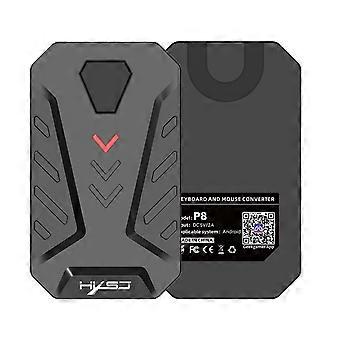
HXSJ P8 Mobile Phone Keyboard Mouse Converter for Android System
+ R298,99 Shipping
HXSJ P8 Mobile Phone Keyboard Mouse Converter for Android System
- Brand: Unbranded
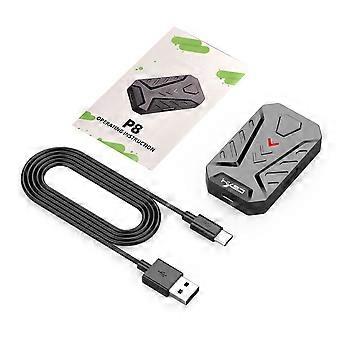
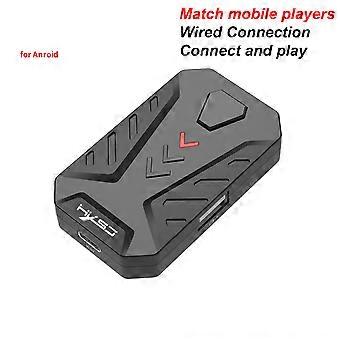
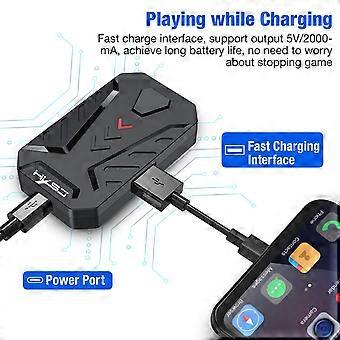
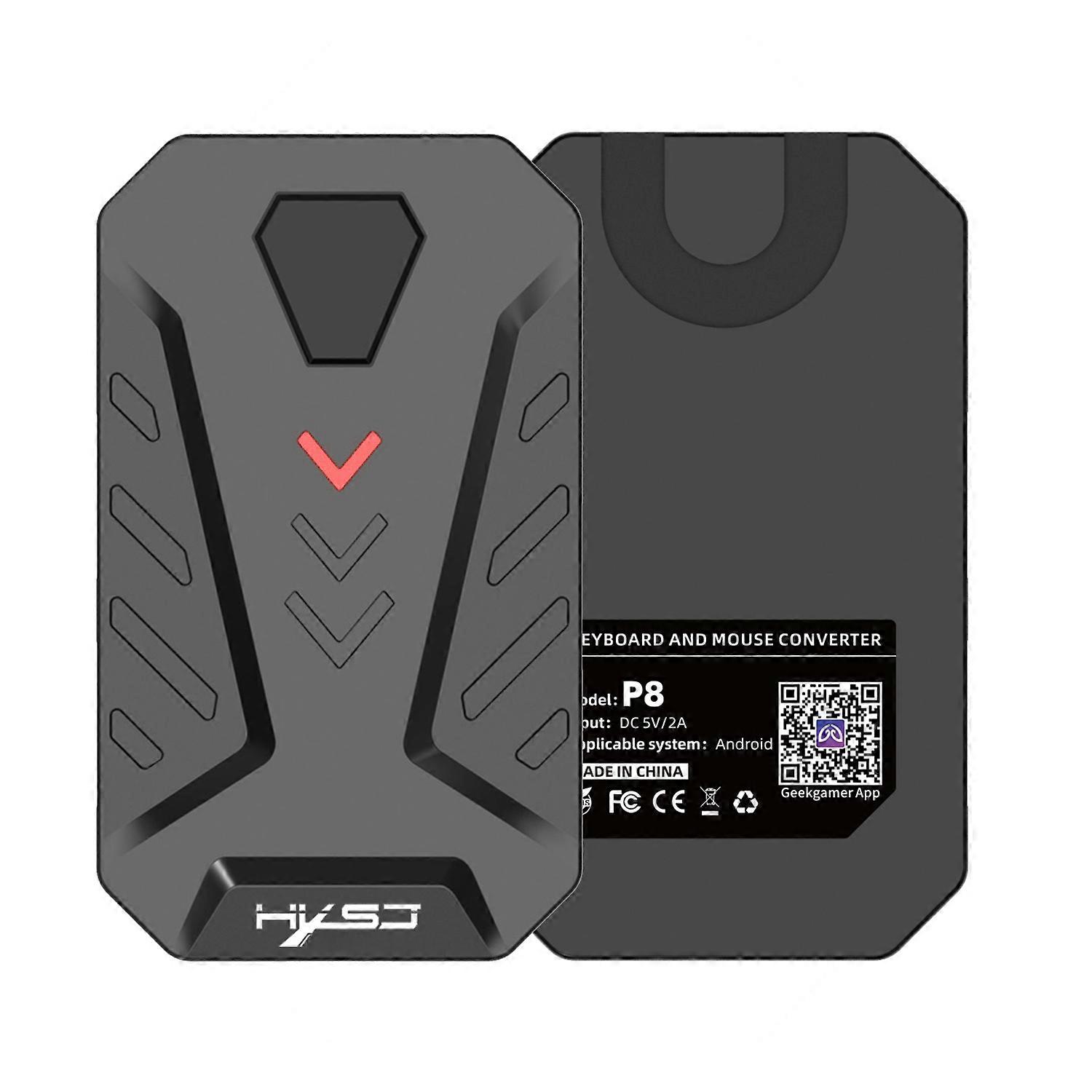
HXSJ P8 Mobile Phone Keyboard Mouse Converter for Android System
- Brand: Unbranded
| Price: |
14-Day Returns Policy
Currently unavailable
We don't know when or if this item will be back in stock.
Payment methods:
Description
HXSJ P8 Mobile Phone Keyboard Mouse Converter for Android System
- Brand: Unbranded
- Category: Keyboards
-
Colour: Black
- Fruugo ID: 395051241-844374852
Product Safety Information
Please see the product safety information specific to this product outlined below
The following information is provided by the independent third-party retailer selling this product.
Product Safety Labels

Delivery & Returns
Dispatched within -1 days
-
STANDARD: R298,99 - Delivery between Thu 22 January 2026–Wed 28 January 2026
Shipping from China.
We do our best to ensure that the products that you order are delivered to you in full and according to your specifications. However, should you receive an incomplete order, or items different from the ones you ordered, or there is some other reason why you are not satisfied with the order, you may return the order, or any products included in the order, and receive a full refund for the items. View full return policy
Product Compliance Details
Please see the compliance information specific to this product outlined below.
The following information is provided by the independent third-party retailer selling this product.
Manufacturer
The following information outlines the contact details for the manufacturer of the relevant product sold on Fruugo.
- SUNSKY
- Shenzhen SUNSKY Technology Limited
- 818, Building 614, Bagua 2nd Road, Bagua Ling Industrial Z one, Pengsheng Community, Yuanling Street,
- Futian District, Shenzhen, guangdong
- China
- Shenzhen
- CN
- 518029
- service@sunsky-online.com
- -83036024
- https://www.sunsky-online.com/
Responsible Person in the EU
The following information outlines the contact information for the responsible person in the EU. The responsible person is the designated economic operator based in the EU who is responsible for the compliance obligations relating to the relevant product sold into the European Union.
- Yating He
- E-CrossStu GmbH
- Mainzer Landstr.69
- Frankfurt am Main, Hessen,Deutschland
- Germany
- Frankfurt
- DE
- 60329
- E-CrossStu@web.de
- +49 69332967674