Description
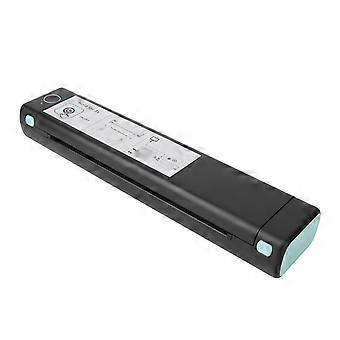
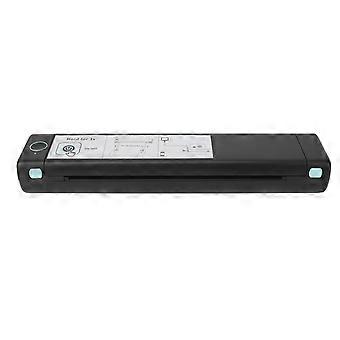
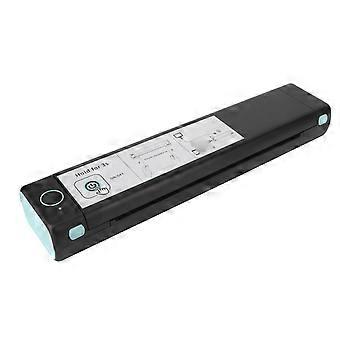
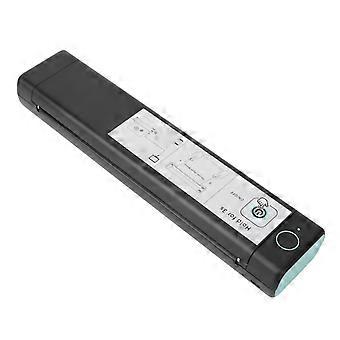
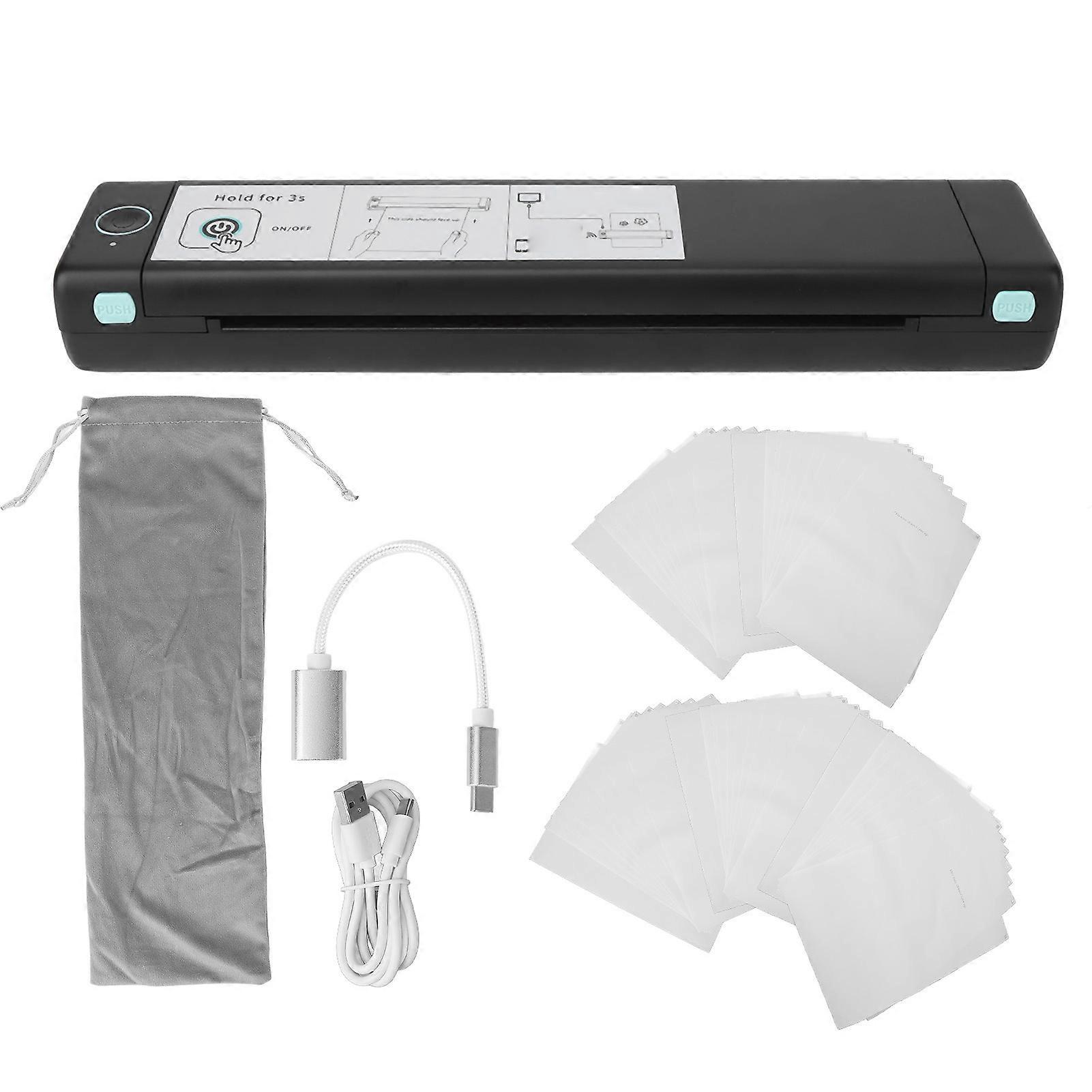
Mini Thermal Tattoo Copier USB 2000mAh Clear Patterns Tattoo Transfer Stencil Machine with 50 Paper
1、TIME SAVING: Tattoo transfer copier features USB and Bluetooth interfaces, allowing you to connect it to your PC or mobile device and select the desired design through an app. The tattoo transfer process takes just a few seconds. 2、EASY OPERATION: With no complicated buttons on the machine, the tattoo transfer copier automatically fixes the transfer paper. You can quickly and efficiently transfer tattoo designs onto the paper by simply operating the app. 3、CLEAR TRANSFERS: Tattoo transfer copier utilizes thermal printing technology, providing high resolution and clear reproduction of tattoo designs. It eliminates the need for part replacement and ink refilling, offering fast transfer speeds, low noise, and stable performance. 4、WIRELESS OPERATION: Tattoo transfer copier comes with a built in 2000mAh battery, freeing you from the constraints of a traditional power source. The long battery life and battery indicator light make it easy to charge in a timely manner. 5、MINI SIZE: Tattoo transfer copier has a compact size of only 310 x 66 x 40mm, making it lightweight and easy to carry for tattoo artists. It takes up minimal space and can be conveniently stored when not in use.
Item Type: Tattoo Thermal Transfer Printer
Color: Black Green
Battery: Built in 2000mAh Lithium Battery
Input: 5V 2A
Charging Port: Type C
Interface: USB, Bluetooth
Printer Size: Approx. 310 x 66 x 40mm / 12.2 x 2.6 x 1.6in
Printing Type: Thermal Printing
Compatible Paper: Standard A4 Thermal Printing Paper (210mm) or Original Printing Paper
Compatible Printing: Images, Documents, Web Printing, Scanned File Printing, etc.
Supported Devices:
1. For iOS/ for Android
2. For OS X 3. For Windows
4. For Chrome OS
5. For Linux
This tattoo transfer printer is not suitable for printing:
1. Complex lines.
2. Color patterns.
3. Large areas of dark lines.
It is only suitable for:
1. Simple lines.
2. Black or monochrome patterns.
3. Clear line patterns.
How to Use:
1. Power On/Off:
Power On: Press and hold the power button for 3 seconds until the indicator light turns on.
Power Off: Press and hold the power button for 3 seconds until the indicator light turns off.
After powering on, you can connect the printer via Bluetooth in the app. If you can not connect via Bluetooth, please ensure that the machine has power. If the battery is low, the indicator light will flash green.
2. Print Operation Steps:
Step 1: Remove the transparent paper from the tattoo transfer paper and peel off the yellow page.
Step 2: Download the application and connect to M08F A4 via Bluetooth (for smartphones) or USB cable (for computers).
Step 3: Turn on the printer by pressing the power switch key for 3 seconds. Place the white paper facing up and the ribbon page facing down, and align it with the printer.
Step 4: Cut out the design and apply transfer paste to the arm for better pattern transfer. Use some alcohol to wipe off any residual marks.
3. Paper Jam, Exceptions, and Cleaning:
Press the "PUSH" button on both sides of the main unit to open the cover.
4. Connecting the App:
After turning on the device, open the app and click the "Not Connected" button in the upper right corner. Enter the "Add Device" list and click to connect the device via Bluetooth for printing.
Note: Make sure that the Bluetooth on your phone is turned on and the device is close to the phone when connecting.
5. Paper Type:
It is recommended to use specialized tattoo printing paper. Non specialized printing paper may not be environmentally friendly, can cause paper jams or inaccurate paper feeding, and may result in crooked printing.
6. Frequently Asked Questions:
Q: Why can not I find any connectable devices when adding a device in the app?
A: Please check if the device is powered on and ensure that the Bluetooth is in working condition.
Q: What should I do if the device cannot print?
A:① Confirm whether the Bluetooth on your phone is turned on and exclude the possibility of others connecting to the device.
② Check if there is a paper jam in the tattoo printer.
③ If the print head is overheating, wait for it to cool down before trying to print.
Q: Why is the printed paper blank without any content?
A: This may be caused by incorrect installation of the printing paper. Please refer to the instructions for replacing printing paper and reinstall it correctly.
Q: Why do the printed characters become faint?
A: ① Please check if the device has low battery.
② Check if the print head is dirty. Use a cloth dipped in cleaning water.
1 x Tattoo Transfer Machine
1 x USB Charging Cable
2 x Instruction Manual
1 x Organizer Bag
10 x Printing Paper
1 x Otg Cable
50 x Tattoo Transfer Paper
-
Fruugo ID:
359956494-782774059
-
EAN:
629924128388
Delivery & Returns
Dispatched within 2 days
Shipping from China.
We do our best to ensure that the products that you order are delivered to you in full and according to your specifications. However, should you receive an incomplete order, or items different from the ones you ordered, or there is some other reason why you are not satisfied with the order, you may return the order, or any products included in the order, and receive a full refund for the items. View full return policy