Description
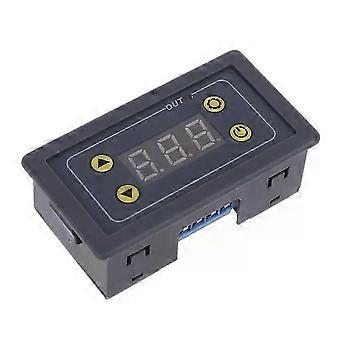
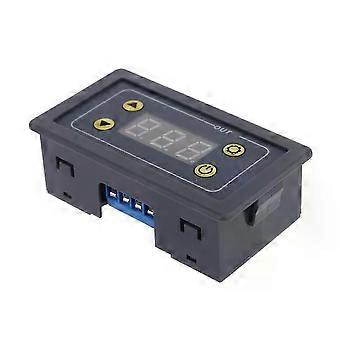
Practical time-delay relay module with LCD display, suitable for DC 5V/12V/24V digital timer cyclic delay loop control module, 10A.
Practical time delay relay module with LCD display, suitable for DC 5V/12V/24V digital timer cyclic delay loop control module, 10A
Practical time delay relay module with LCD display, suitable for DC 5V/12V/24V digital timer cyclic delay loop control module, 10A
Practical time delay relay module with LCD display, suitable for DC 5V/12V/24V digital timer cyclic delay loop control module, 10A
Product Features:
1. Easy to use and install.
2. High precision and good stability.
3. Exquisite appearance, high-definition LCD display.
4. Automatic memory function.
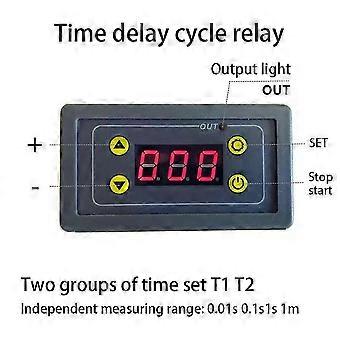
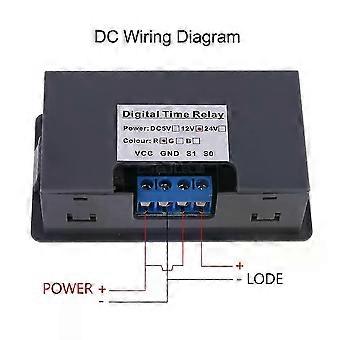
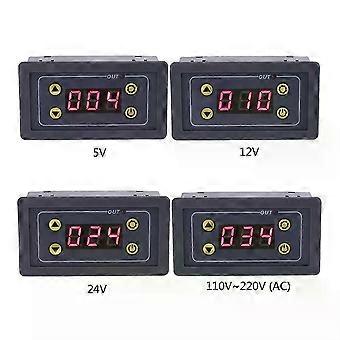
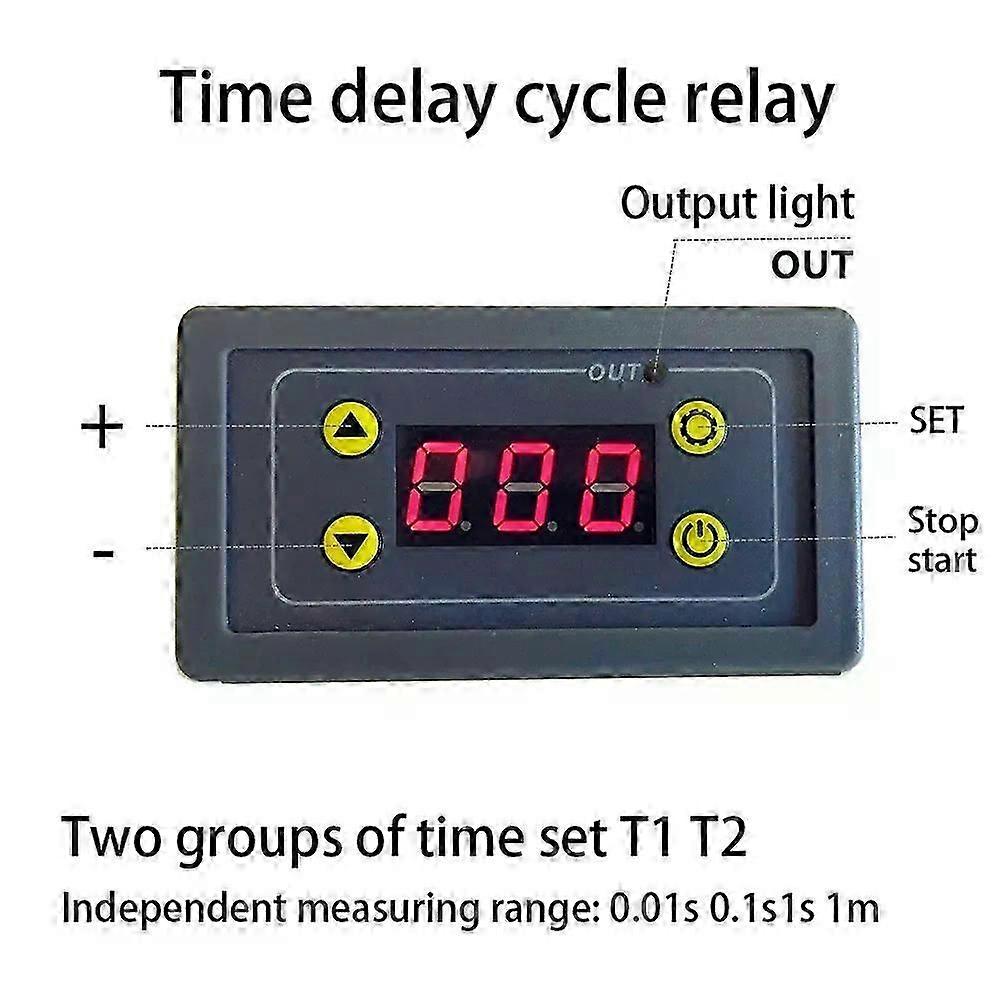
5. With LED indicator output, wide delay range. Specifications: Type: Digital Time Relay Current: DC maximum 10A, AC maximum 5A Power Supply Voltage: DC 5V, 12V, 24V, AC 110-220V Range Selection: 0.01 seconds, 0.1 seconds, 1 minute Time Range: Minimum 0.01 seconds, maximum 999 minutes Hole Diameter: 40MM*74MM Instructions for Use: This product has 4 buttons: plus button, minus button, set button, and stop/start button. Users can set two time groups, T1 and T2. Note! 1. All relay parameters have a 5-second automatic memory function. 2. If you need to stop the relay during operation, press the stop button to stop the relay and reset the data. Press the stop button again to re-trigger. 3. After the relay has completed its normal operation, press the stop button to restart it.
T1 Time Setting:
Simply press the button to increase or decrease the T1 value. After setting, the data will be automatically saved, and the timer will start.
T2 Time Setting:
Press the setting button; the glow tube will flash. Press the button to increase or decrease the T2 value. After setting, the 5-second automatic memory function will begin.
Time Range: Automatically switches between ranges. The default range is seconds. If the value decreases to 0, pressing the button again will continue to decrease the range, automatically switching to 99.9 seconds; if the value increases to 999, pressing the button again will automatically switch the range to 0,0,0.
The numerical format is as follows:
X.XX -- Time range 0.01 seconds
XX.X -- Time range 0.1 seconds
XXX -- Time range 1 second
X.X.X -- Time interval 1 minute
For example, if T1 = 8.88, the controller counts down in 0.01-second increments; if T2 = 8.8.8, the controller counts down in 1-minute increments.
6 operating modes:
Press and hold the Set button to enter the P-0 parameter. On the current screen, press the button to add or remove the desired operating mode.
P-0: The relay opens after a delay of T1.
P-1: The relay closes after a delay of T1.
P-2: The relay closes after a delay of T1 and then opens after a delay of T2.
P-3: The relay opens after a delay of T1, and then closes after a delay of T2.
P-4: The relay closes after a delay of T1, and then opens after a delay of T2.
P-5: The relay opens after a delay of T1, and then closes after a delay of T2.
Typical Application: First, set the delay after the relay opens to 4.05 seconds, and the relay closes after a delay of 10 minutes. Set the end time of the first setting to T1 = 4.05 seconds and T2 = 0.1.0. Then set the operating mode to P-3. After automatically memorizing the settings, it will start running 5 seconds later.
-
Fruugo ID:
520592271-1059539722
-
EAN:
8852414521310
Product Safety Information
Please see the product safety information specific to this product outlined below
The following information is provided by the independent third-party retailer selling this product.
Product Safety Labels

Safety Warnings:
Important Safety Instructions
Read Before Use: Please read all instructions and safety warnings before using this product. Failure to follow these guidelines may result in injury, damage, or malfunction.
General Warnings
Intended Use: Use this product only for its intended purpose as described in the user manual.
Supervision Required: This product is not intended for use by children or persons with reduced physical, sensory, or mental capabilities without supervision.
Inspection Before Use: Check for any signs of damage or wear before use. Do not use if damaged.