
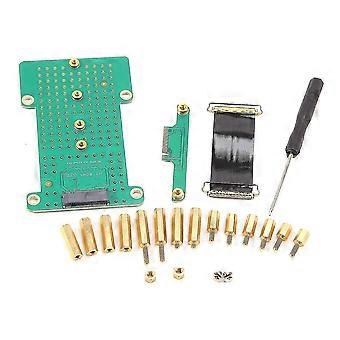
Rk3399 Radxa Rock Pi 4 Development Board Dedicated V1.6 Version M.2 Extended Version Steering Board 2025
+ R222,99 Shipping
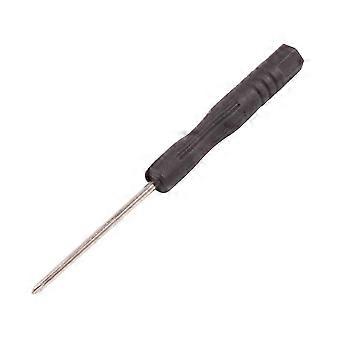
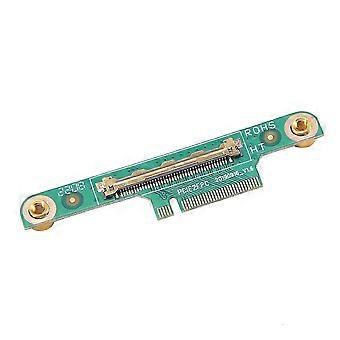
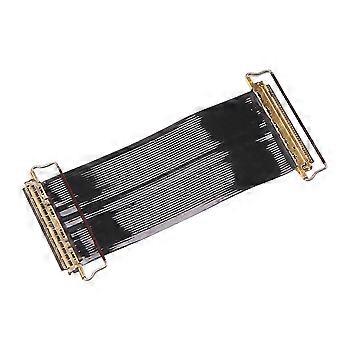
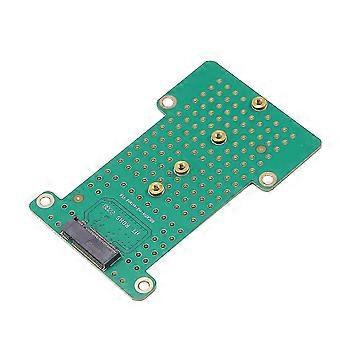
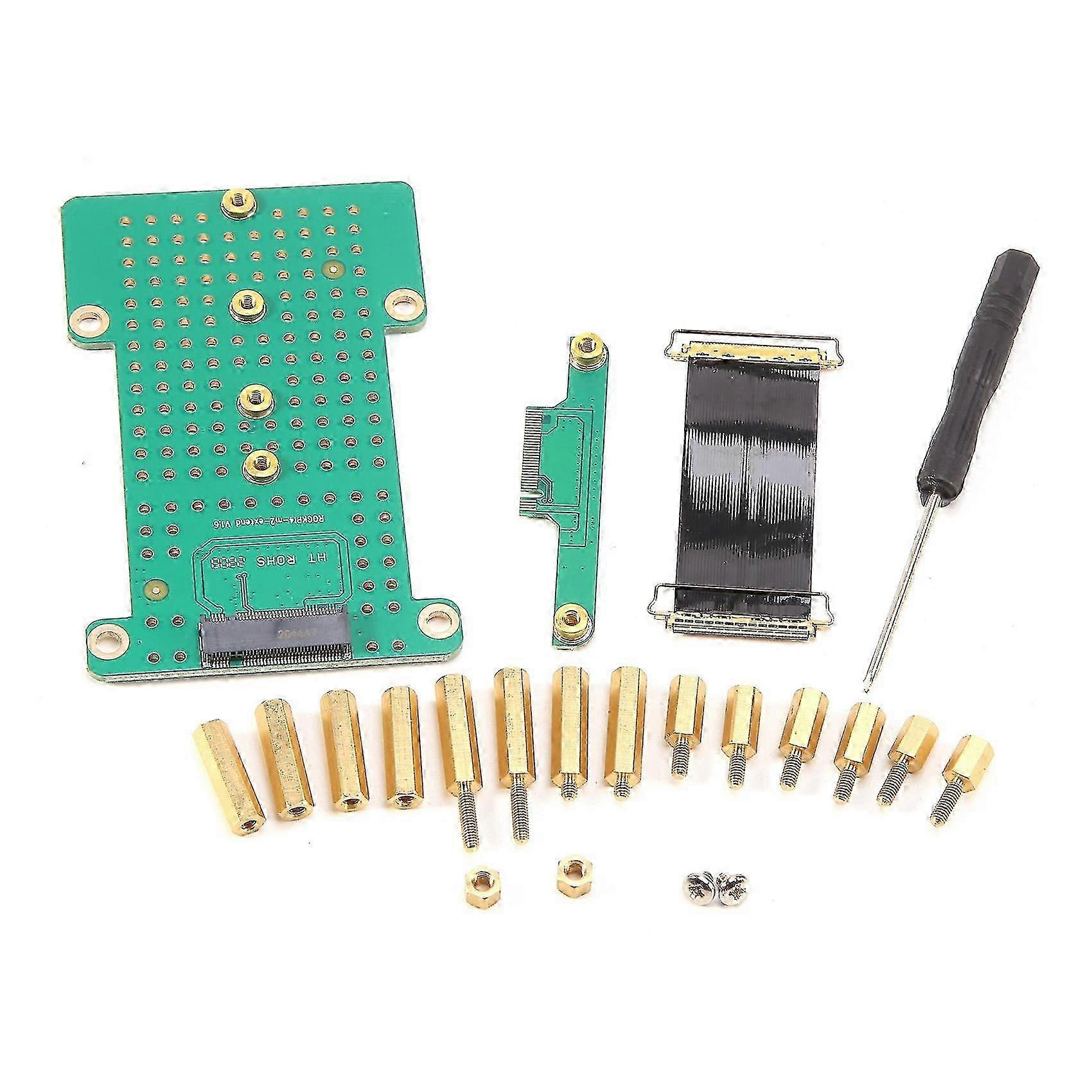
Rk3399 Radxa Rock Pi 4 Development Board Dedicated V1.6 Version M.2 Extended Version Steering Board 2025
- Brand: Unbranded
Rk3399 Radxa Rock Pi 4 Development Board Dedicated V1.6 Version M.2 Extended Version Steering Board 2025
- Brand: Unbranded
Save R505,00 (49%)
RRP
14-Day Returns Policy
Save R505,00 (49%)
RRP
14-Day Returns Policy
Payment methods:
Description
Rk3399 Radxa Rock Pi 4 Development Board Dedicated V1.6 Version M.2 Extended Version Steering Board 2025
- Brand: Unbranded
- Category: Development Boards
- Fruugo ID: 452956741-955069699
- EAN: 6498004961221
Product Safety Information
Please see the product safety information specific to this product outlined below
The following information is provided by the independent third-party retailer selling this product.
Product Safety Labels

Delivery & Returns
Dispatched within 2 days
-
STANDARD: R222,99 - Delivery between Fri 20 March 2026–Mon 30 March 2026
Shipping from China.
We do our best to ensure that the products that you order are delivered to you in full and according to your specifications. However, should you receive an incomplete order, or items different from the ones you ordered, or there is some other reason why you are not satisfied with the order, you may return the order, or any products included in the order, and receive a full refund for the items. View full return policy
Product Compliance Details
Please see the compliance information specific to this product outlined below.
The following information is provided by the independent third-party retailer selling this product.
Manufacturer
The following information outlines the contact details for the manufacturer of the relevant product sold on Fruugo.
- Serenith
- Tidieyi (guangdong) kejiyouxiangongsi
- Room 701, No. 11, Daling North Street, Baiyun District, Guangzhou
- Guangzhou
- China
- 510000
- a13451118931@qq.com
- 86-13451118931
Responsible Person in the EU
The following information outlines the contact information for the responsible person in the EU. The responsible person is the designated economic operator based in the EU who is responsible for the compliance obligations relating to the relevant product sold into the European Union.
- WeTapeV Euro s.r.o.
- WeTapeV Euro s.r.o.
- Na Provaznici 2063/3, Smichov, 150 00 Praha, Czech Republic
- Praha
- Czech Republic
- 150 00
- info@wetapeveuro.com
- 420774336505