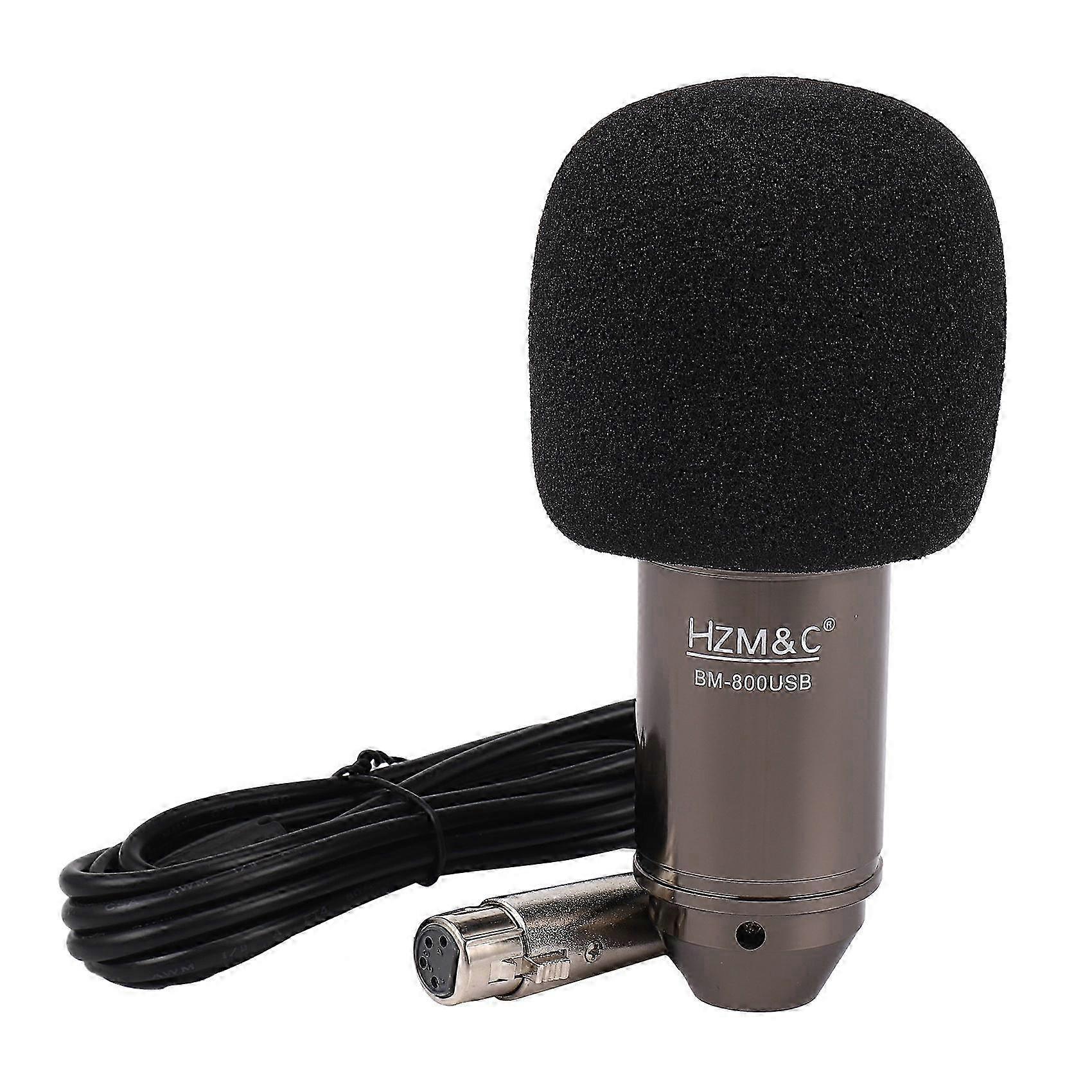
Upgraded Bm 800 Usb Condenser Microphone Studio Mic For Computer Recording Karaoke Pc (Black)

R479,00
+ R356,49 Shipping

Upgraded Bm 800 Usb Condenser Microphone Studio Mic For Computer Recording Karaoke Pc (Black)

  • Brand: Unbranded

Upgraded Bm 800 Usb Condenser Microphone Studio Mic For Computer Recording Karaoke Pc (Black)

  • Brand: Unbranded
Price: R479,00
Sold by:
R479,00
+ R356,49 Shipping

In stock

14-Day Returns Policy

Payment methods:

Description

Upgraded Bm 800 Usb Condenser Microphone Studio Mic For Computer Recording Karaoke Pc (Black)

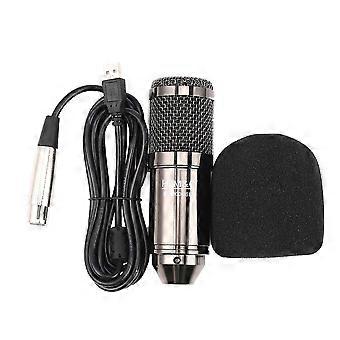
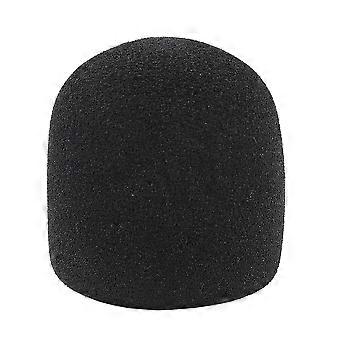
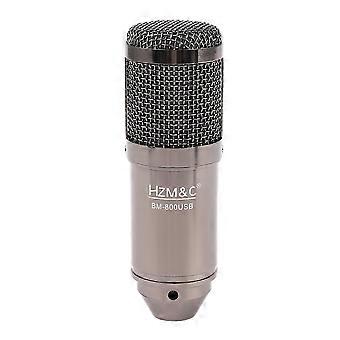
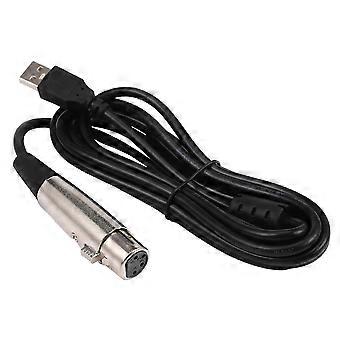
Plug and play, plug directly into your devices with USB port, no needed drivers.With the USB terminal to supply power, the condenser microphone needs no 48V phantom power, battery, or other assistive devices.Cardioid pick-up pattern minimizes background noise and isolates the main .2m long leather cord extends your music space ly and meets your need of all aspects of enjoyment.Wide frequency response (30Hz-20kHz) makes vocal performances sound clear, natural and vibrant. How to setting it?Plug the USB cable to your computer at the same time. Ready for use.If the microphone cannot be used to your device, please check if your device has set itself correctly with the microphone. If not, please follow to setting it. Step 1: Open your control panel, and click on "sound", a window up.: Select the recording, you will see the microphone is set up or on default.Step 3: Double click the microphone if it is already connected., and then setting yourmicrophone properties. 1.Unplug the USB cable to check whether the pins at the bottom of the mic are loosened.2.Restart computer and re-plug the mic to other USB port.3.If the "USB PnP Audio Device" appears in the sound settings of computer( are the methods how to get to sound settings), the mic is to work.(Windows: Right click speaker on right corner of computer"Recording Device": Click "System Preferences""Sound""Input") If the mic disconnects itself without , what can I do?Answer: There are two reasons for this situation. One is that the poor connection. The other is that the USB cable is broken. If you have tried to replug the USB cable into the mic, and plug the mic to other USB port, then it will be the problem of the cable. If the mic has what can I do? 1.Re-plug the USB cable into the microphone. If the cable gets loose, noiseis easily generated or transmission of signal may run into problem. 2.Reset computer and re-plug microphone into other USB port. 3.Place it not too close to any power source or computer host. Check whether there's smart-phone near by the USB cable. 4.Set the on-body control of mic and input/output level of computer at 50%-75%. Volume is the culprit for noise. (Windows: Right click speaker on right corner of computer"Recording Device"/"Playback Device"right click "USB PnP Device"/default speaker"Properties""Levels". If there's ""Microphone Boost"", turn it to 0-10dB. : "System Preferences""Sound""Input"/"Output""Input Volume"/"Output Volume") 5.(If using Windows computer,) disable all . (Right click speaker on right corner of computer"Playback Device"right click the default loudspeaker"Enhancements"click "Disable all ".) Hope these methods could help eliminate noise and make the mic sound better. Colour:black Material:Zinc alloy + plastic Size:14.5*4.8cm Package Contents: 1* microphone 1* USB cable 1* foam cover 1* manual
  • Fruugo ID: 366445837-793667837
  • EAN: 8941724810181

Delivery & Returns

Dispatched within 24 hours

  • STANDARD: R356,49 - Delivery between Tue 13 January 2026–Wed 21 January 2026

Shipping from China.

We do our best to ensure that the products that you order are delivered to you in full and according to your specifications. However, should you receive an incomplete order, or items different from the ones you ordered, or there is some other reason why you are not satisfied with the order, you may return the order, or any products included in the order, and receive a full refund for the items. View full return policy

Product Compliance Details

Please see the compliance information specific to this product outlined below.

The following information is provided by the independent third-party retailer selling this product.

Manufacturer
The following information outlines the contact details for the manufacturer of the relevant product sold on Fruugo.

  • Guang Zhou Hao Yi Mao Yi You Xiang Gong Si
  • Guang Zhou Hao Yi Mao Yi You Xiang Gong Si
  • 3rd Floor, Building 8, Guangdong Tianjian Home Decoration Plaza Creative Park, No. 283, Tongsha Road, Tonghe Street, Baiyun District, Guangzhou
  • Guangzhou
  • CN
  • 510080
  • 1285076305@qq.com
  • 13316012061

Responsible Person in the EU
The following information outlines the contact information for the responsible person in the EU. The responsible person is the designated economic operator based in the EU who is responsible for the compliance obligations relating to the relevant product sold into the European Union.

  • YQY INTERNATIONAL CONSULTING
  • YQY INTERNATIONAL CONSULTING
  • 79 Rue de Patay,75013,Paris,France
  • Paris
  • FR
  • 75013
  • services@yqyic.fr
  • 0748578459