Description
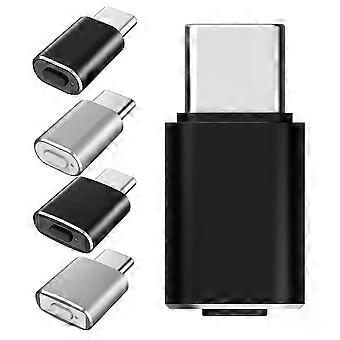
USB C Mouse Jiggler with Switch Button Mouse Mover 3 Jiggle Modes Mouse Shaker Driver-Free Keep Computer/Laptop Awake
USB C Mouse Jiggler with Switch Button Mouse Mover 3 Jiggle Modes Mouse Shaker Driver-Free Keep Computer/Laptop Awake
_x000D_
_x000D_
_x000D_
_x000D_
_x000D_
_x000D_
_x000D_
_x000D_
_x000D_
_x000D_
USB C Mouse Jiggler with Switch Button Undetectable Automatic Mouse Shaker 3 Jiggle Modes Mouse Mover Device Driver-Free Plug & Play Keep Computer/Laptop Awake ForMacBook
_x000D_
Feature:
_x000D_
1. Universal Compatibility with Type-C Connection:
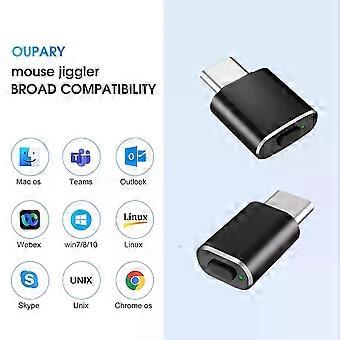
The mouse jiggler, designed with a Type-C interface, eliminates the need for adapters, making it perfectly compatible with devices like compatible with MacBook laptops. Its wide compatibility extends to most operating systems including compatible with Win XP/7/10/Mac OS, and for Android, supporting various applications from online meetings and gaming to remote desktop connections.
_x000D_
2. Three Unique Movement Modes for Versatility:
Featuring three distinct movement patterns, this metal mouse mover can simulate natural mouse movements without disrupting your work. Mode 1 offers rapid, minimal jitters; Mode 2 provides small-scale side-to-side movements; and Mode 3 allows for wide, random movements across the screen, keeping your computer awake and ready.
_x000D_
3. Undetectable by IT Software:
Crafted with an aluminum shell for durability and stealth, the automatic mouse shaker's compact size (comparable to a coin) ensures it remains inconspicuous and portable. Recognized as a "USB Composite Device" upon first connection, it mirrors the identification of an external mouse, avoiding detection as an unknown or unsafe device by IT departments.
_x000D_
4. Convenience with Switch and Memory Function:
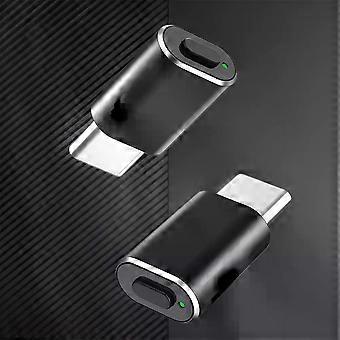
The automatic wiggler comes with an ON/OFF and mode switch button, featuring a long-press function for easy operation and a green light indicator for power status. Its memory function remembers the last used movement mode, reducing the need for adjustments and sparing the USB ports from wear and tear.
_x000D_
5. Plug-and-Play with No Driver Needed:
This mouse moving device is ready to use right out of the box without the need for any software installation. Simply plug it into your computer's USB port to prevent the computer from going into sleep mode. Its discreet design, resembling a wireless mouse USB receiver, ensures it stays hidden, making it an essential tool for students, professionals, and gamers alike.
_x000D_
_x000D_
Specification:
_x000D_
Origin: Mainland China
_x000D_
Type: Mouse Micro Switch
_x000D_
Name: Computer mouse mover
_x000D_
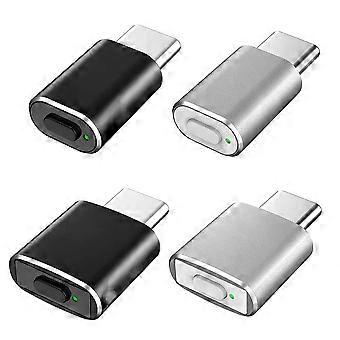
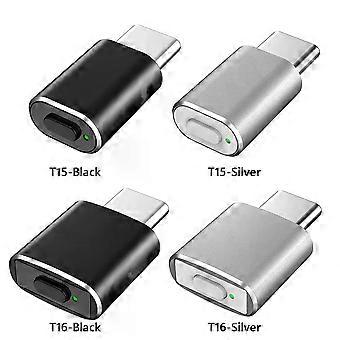
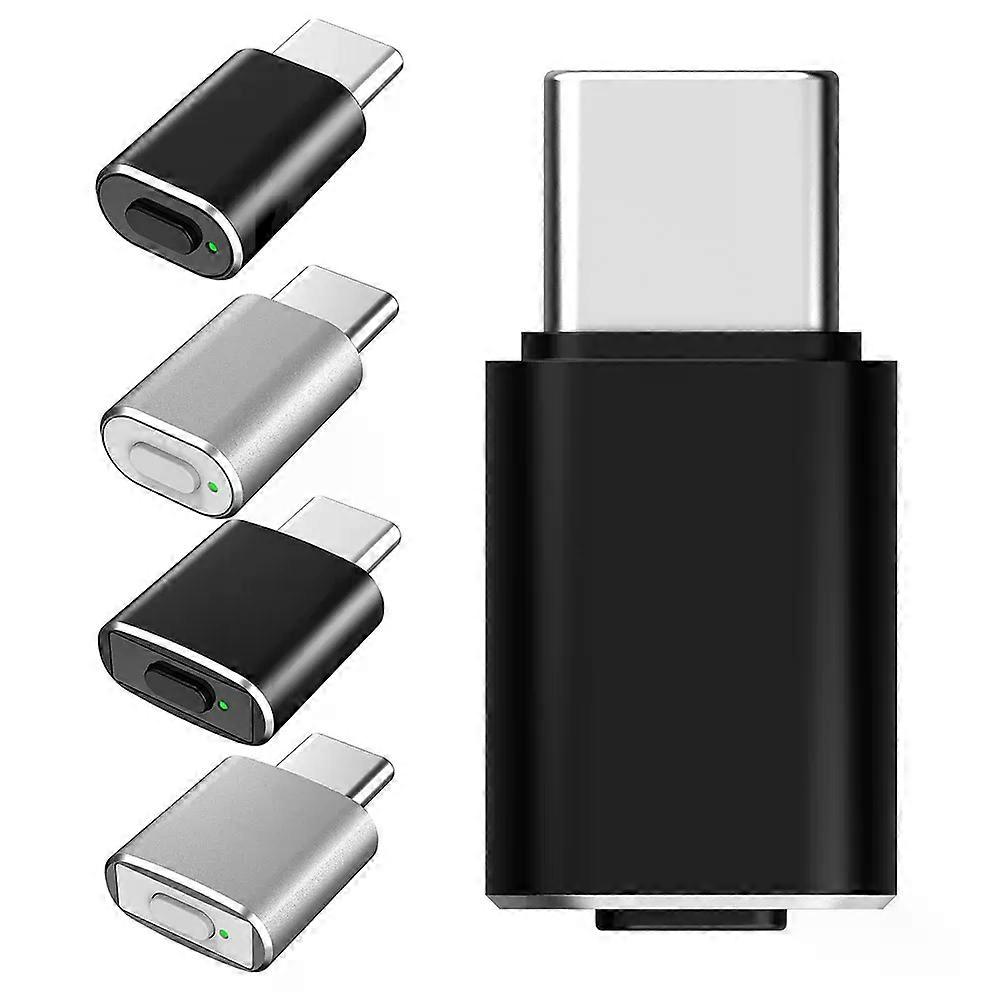
Model: T15, T16 (optional)
_x000D_
Color: black, silver white (optional)
_x000D_
Material: Aluminum alloy shell
_x000D_
Interface: Type-C
_x000D_
Features: Random track + mode memory, no adapter required, suitable for notebook computers such as
Compatible with
MacBook with Type-c port, no longer worry about port mismatches
_x000D_
Compatibility: Compatible with Win XP/Win 7/Win 10/Mac OS/for Android system
_x000D_
Size: T15:23mmx11.5mm; T16:23.6mmx15mm
_x000D_
Note: The product has a mode memory function, and the next boot will follow the same trajectory as the previous one.
_x000D_
_x000D_
How to use
:
_x000D_
1.Insert the mouse mover when the computer is turned on
_x000D_
2.Press and hold the switch button for 4 seconds to turn on, the indicator light is green
_x000D_
3.The mouse pointer shakes slightly, and the computer enters anti-hibernation
_x000D_
4.Press and hold the switch button again for 4 seconds to turn it off. You don't need to unplug it when you're not in use to avoid port wear.
_x000D_
_x000D_
Adjustable 3-speed mode
:
_x000D_
First gear: factory default, the pointer shakes slightly, , in this state, you can click the mouse to use
_x000D_
Second gear: the pointer moves left and right in a small range
_x000D_
Third gear: the pointer moves randomly and quickly in full screen
_x000D_
_x000D_
Short press the button to switch
:
_x000D_
Switching gears can be achieved by tapping the switch.The default first gear state after booting: slight jitter
_x000D_
Tap the switch again, the indicator light is on 2 times, and it is in second gear at this time.
_x000D_
Tap the switch again, the indicator light is on 3 times, and it is in the third gear state at this time.
_x000D_
_x000D_
_x000D_
Note:
_x000D_
Due to the different monitor and light effect, the actual color of the item might be slightly different from the color showed on the pictures. Thank you!
_x000D_
Please allow 1-2cm measuring deviation due to manual measurement._x000D_
_x000D_
_x000D_
_x000D_
_x000D_
_x000D_
_x000D_
_x000D_
_x000D_
_x000D_
1xMouse Jiggler
_x000D_
_x000D
-
Fruugo ID:
410475237-868998869
-
EAN:
7543424822160
Product Safety Information
Please see the product safety information specific to this product outlined below
The following information is provided by the independent third-party retailer selling this product.
Product Safety Labels

Safety Warnings:
WARNING! TO AVOID DANGER OF SUFFOCATION,KEEP AWAY FROM BABIES ANDCHILDREN. DO NOT USE IN CRIBS/BEDSOR PLAY PENS.THIS BAG IS NOT ATOY.
Ingredients:
Octinoxate 5.3340%
Manufacturer Part Number:
XS203500
Model Number:
XS200403
Serial Number:
XS062900
Batch Number:
XS197511
Delivery & Returns
Dispatched within 3 days
Shipping from China.
We do our best to ensure that the products that you order are delivered to you in full and according to your specifications. However, should you receive an incomplete order, or items different from the ones you ordered, or there is some other reason why you are not satisfied with the order, you may return the order, or any products included in the order, and receive a full refund for the items. View full return policy